Open the named source
Use the Cave Dweller Reimagined project or files page. Check creator context, file history, supported Minecraft releases, and the stated loader.
Variant guide
Cave Dweller Reimagined is a named variant in the Cave Dweller horror family, not automatically the same file as the original project or Cave Dweller Evolved. The right first step is to identify the source page, Minecraft edition, loader, and supported game version before you download anything.
This page explains the variant boundary, source-page evidence, Java versus Bedrock limits, an isolated test workflow, and the failure checks that matter when a cave horror mod imports but does not behave as expected.
External source pages open directly. Check the file type, edition, and version before downloading.
Fast answer
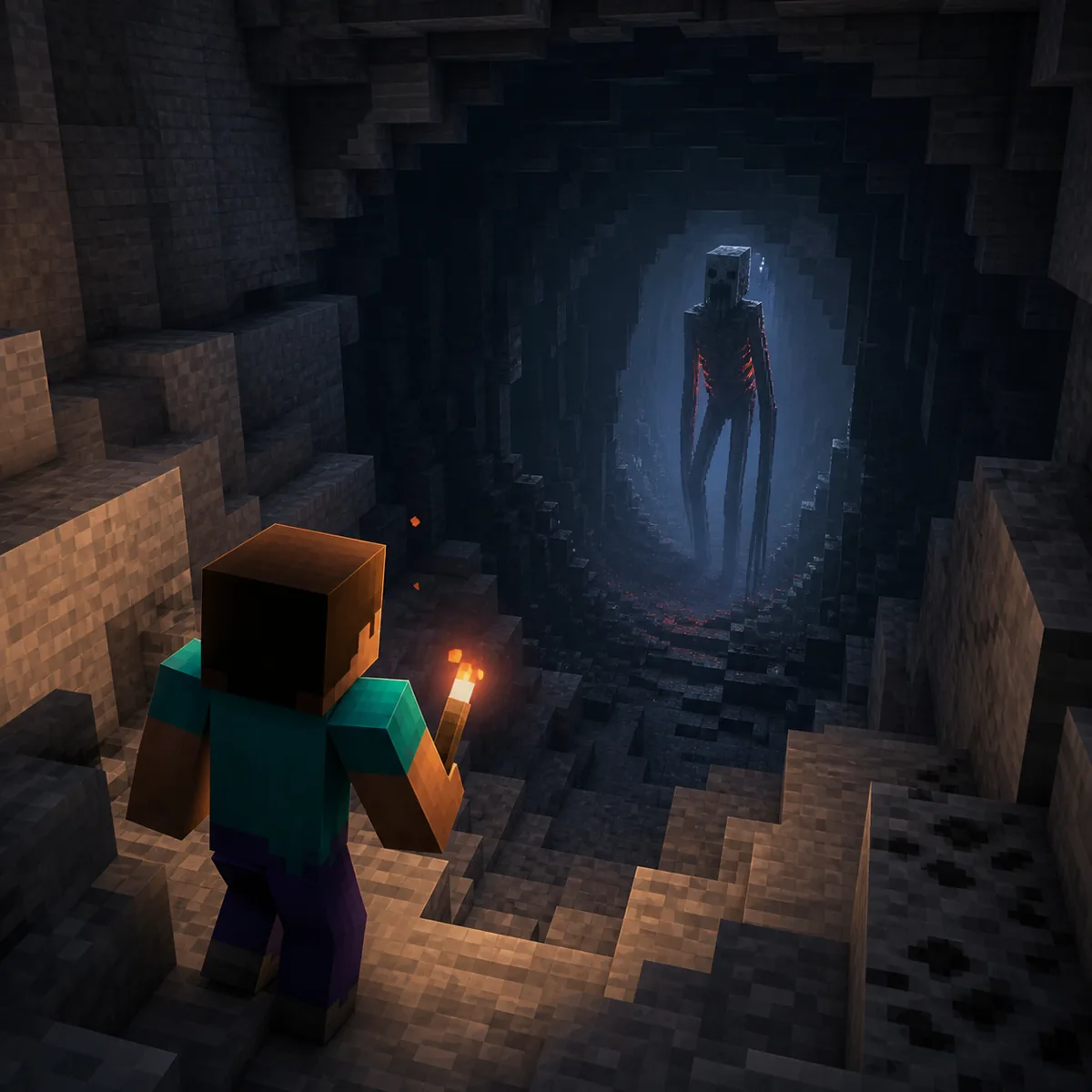
Cave Dweller Reimagined is a separate named variant of the Cave Dweller horror concept. Searchers usually want to know whether the variant is a new project, which source page contains its files, and whether the behavior is compatible with their Java profile. The name matters because a page for the original Cave Dweller can contain related links without providing the same files or the same update history.
The practical answer is to treat Cave Dweller Reimagined as its own source decision. Open the project or files page, read the current file names and supported Minecraft versions, then match the loader before installing. If the page is unavailable, shows no clear file history, or sends you through an unrelated installer, stop rather than switching to a similarly named repost.
This page is intentionally narrower than the existing Cave Dweller Mod Minecraft guide. That guide explains the wider project family, original-versus-variant confusion, and general source checks. This page focuses on the Reimagined name so a reader can verify the exact variant before following a Java installation path.
The current source check does not expose a verifiable version number, release date, file size, or stable direct file URL. The CurseForge page is therefore an official-source fallback rather than proof of a latest build. Use the live files tab as the final authority and treat the information below as a compatibility workflow, not a promise that every listed file is still published.
Name check
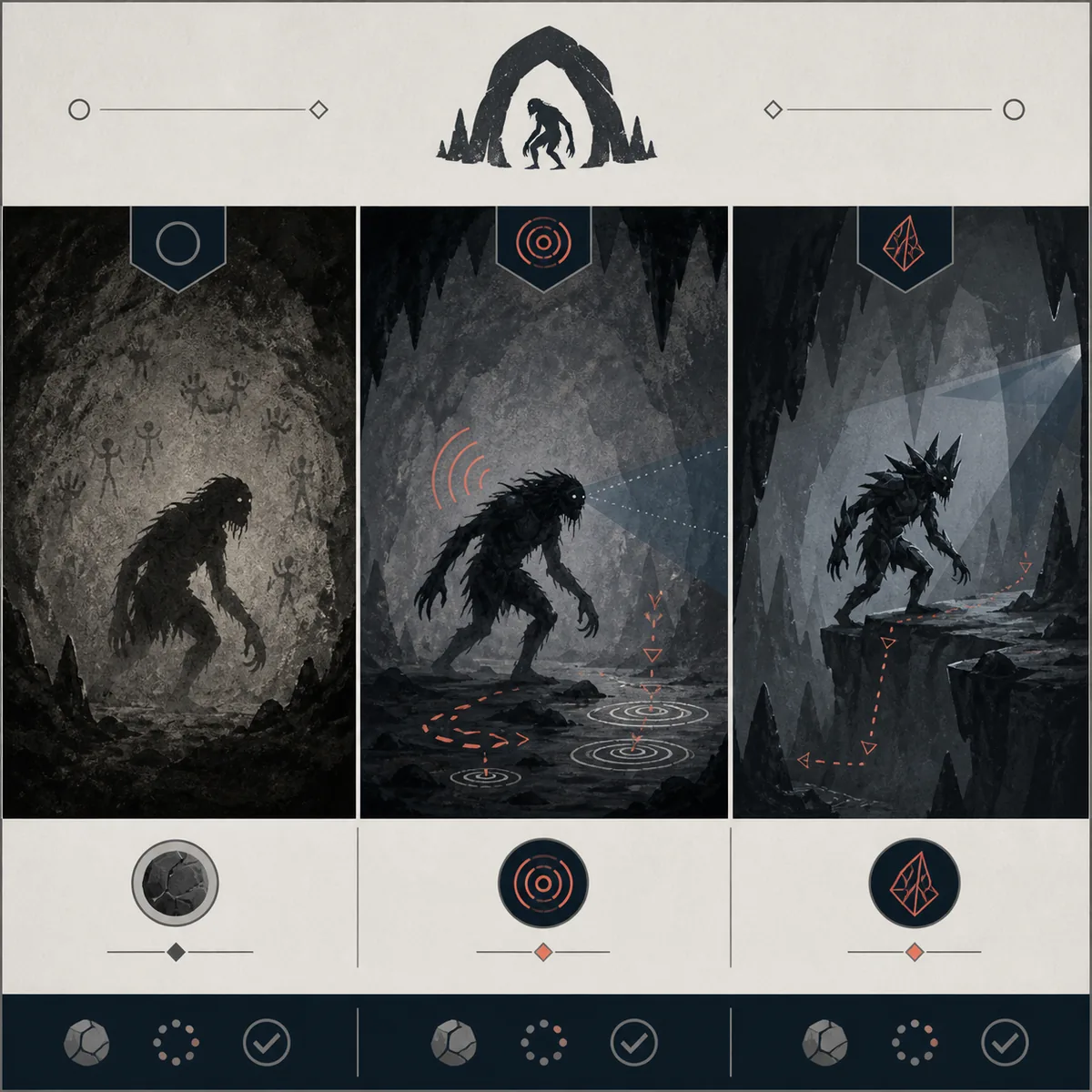
The three names are close enough to create misleading download results, but they should not be treated as interchangeable. A named variant can change its supported Minecraft versions, loader, behavior, sounds, animation, and file history. Compare the source identity first, then compare the scare experience.
The table is a decision aid, not a ranking of which project is scarier. A source page may move files or change supported releases after this article is published. When two pages use similar artwork or descriptions, the creator, project slug, file list, and version notes are stronger evidence than a repost title.
Source evidence
For a download-intent query, freshness comes before a confident recommendation. Start at the recognized project page, not at a direct file URL. Look for a visible creator or project identity, a files tab, Minecraft version labels, loader information, dependencies, release notes, and a normal file history. If those details are missing, you cannot tell whether the page is current or simply reusing a popular name.
The official CurseForge project and files URLs are the source links used by this guide. The current command-line check was blocked by HTTP 403, so this site does not infer a version, release date, file size, or download filename from the URL. A Modrinth page with the same slug returned a generic 404 response during the check. That is a reason to verify the live CurseForge page carefully, not a reason to invent a mirror.
When a source page becomes available, record four facts before installing: exact file name, Minecraft release, loader, and whether the file is a mod or an addon. Keep that note with the instance or copied world. It makes later troubleshooting much faster because you can distinguish a source change from a loader mismatch or a world conflict.
Edition boundary
A named Cave Dweller variant is most often discussed in the Java mod ecosystem, where the installation path depends on a loader, a Minecraft release, and sometimes additional libraries. That does not automatically mean every Java file supports every loader. Forge, Fabric, NeoForge, and modpack launchers are separate compatibility questions, so the source page must name the loader you use.
Bedrock search results can show ports, addons, marketplace content, or videos using the same creature name. A Bedrock addon is not a renamed Java .jar. It usually follows a pack-import workflow with resource and behavior packs, world settings, and sometimes experiments. Only call the Reimagined project a Bedrock addon when the source itself identifies a Bedrock package and gives matching instructions.
If you are unsure which edition you have, check the game launcher or title screen before opening a file. Java players should create a separate profile with the exact loader and version. Bedrock players should use a copied world and confirm every required pack is active. Mixing the two paths is the fastest way to mistake an incompatibility for a broken mod.
Safe workflow
The safest installation is deliberately boring: keep the source page open, match the version and loader, use an isolated profile, and test before adding the variant to a long-running world. The goal is not only to make the game launch. You also need to know whether the entity, sounds, animation, and encounter behavior are active in the environment you intend to play.
Do not solve a failed launch by downloading several similarly named files at once. That removes the evidence you need. Change one variable at a time and keep a short note of the file name, loader, Minecraft version, and result. If the clean profile works but your main modpack fails, the problem is probably a conflict or dependency rather than the source file itself.
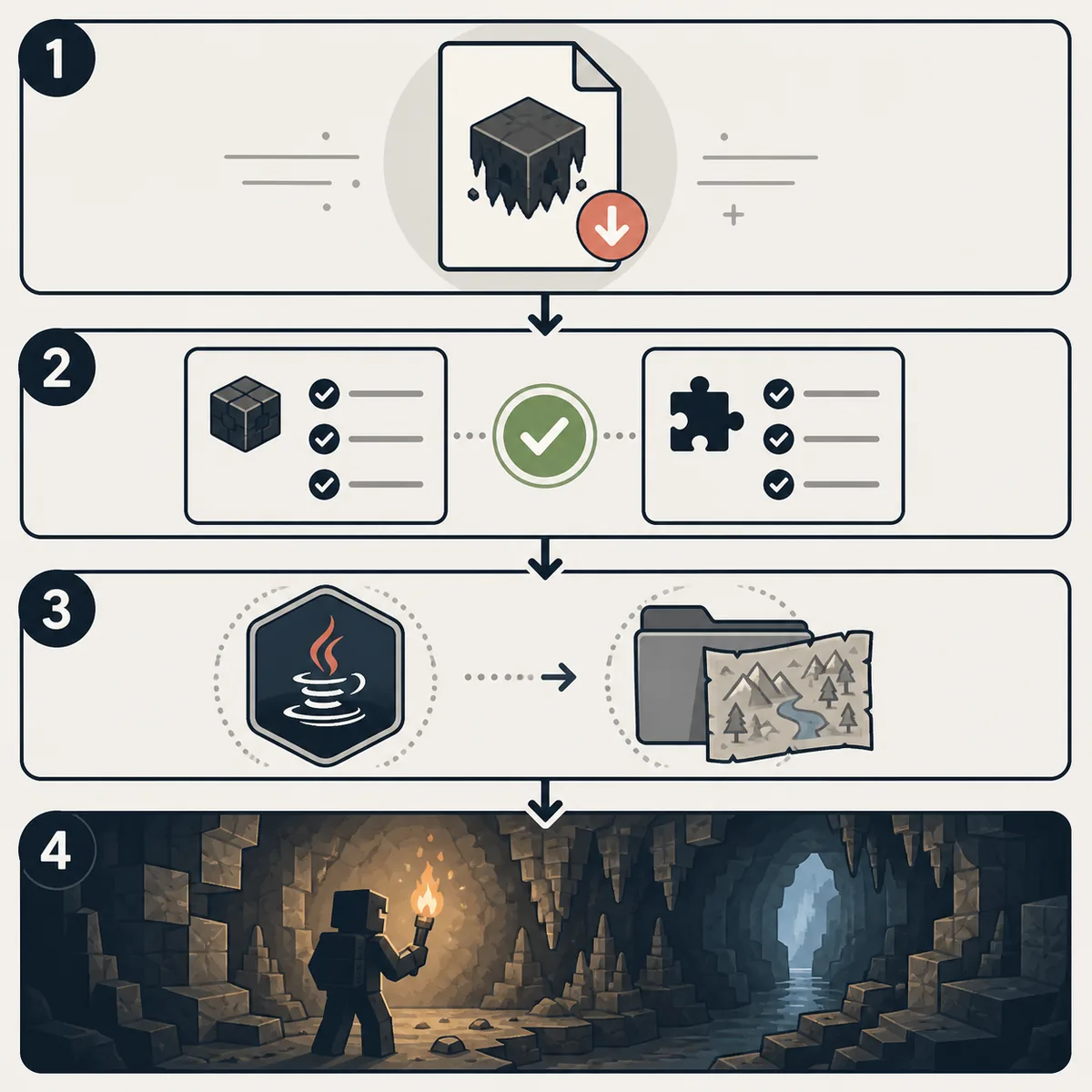
Use the Cave Dweller Reimagined project or files page. Check creator context, file history, supported Minecraft releases, and the stated loader.
Install the exact loader and dependencies in a new Java profile, or confirm the source really provides a Bedrock addon before importing it.
Use a separate instance or copied world with unrelated horror mods disabled. Keep the original save backed up before testing.
Load the cave, check the expected behavior, and record the result. Add other mods only after the Reimagined variant works alone.
Troubleshooting
A mod can install without being compatible. The launcher may open while the entity never appears, the game may crash during world loading, or the cave may look normal because a required dependency or resource is missing. Start by comparing the source file, Minecraft version, loader, and log instead of repeatedly downloading another copy.
The quickest diagnostic split is a clean profile. If Reimagined works alone, re-enable your modpack one item at a time and watch for entity, sound, world-generation, or library conflicts. If it fails in a clean profile, the source page's version notes and loader requirements are more useful than a generic reinstall.
Check the loader, Minecraft version, Java runtime, and dependency list. Read the first relevant error in the latest log before replacing files.
Confirm that you installed the Reimagined file rather than the original or Evolved variant, then test in a new world with no competing entity mods.
Look for a required resource pack, dependency, or client-side component. A successful launch does not prove that every asset loaded.
Do not rename a Java file. Return to the source page and verify whether a Bedrock package actually exists; otherwise use the Java guide for a Java installation.
Final check
The best Cave Dweller Reimagined setup is the one you can reproduce. Before inviting friends or opening a valuable survival save, write down the source URL, exact filename, Minecraft version, loader, dependency notes, profile name, and test result. That record is more useful than a screenshot of a download button because it preserves the conditions that actually worked.
If a source page changes later, repeat the check instead of assuming that the new file is a drop-in replacement. Horror mods often touch entities, sounds, resources, and world behavior. A small amount of isolation protects the world and makes the next update easier to undo.
Next pages
Start with the broader Cave Dweller source, version, and Java/Bedrock guide.
Open Cave Dweller guideCompare Cave Dweller variants, fog projects, Bedrock addons, and multiplayer paths.
Compare dweller pathsUse the Java loader and source checks when comparing another horror mod profile.
Read Java guideApply the same clean-profile and version-matching logic to common horror-mod failures.
Open troubleshootingCompare Cave Dweller, Verity, Herobrine-style mods, story maps, and Bedrock addons.
Compare horror modsFAQ
No. Treat Reimagined as a separate named variant until the source page proves otherwise. Check the project slug, file name, version notes, and loader instead of assuming that the original file will provide the same behavior.
The named variant is commonly encountered through Java-oriented mod sources, but search results can also show ports or addons. Use only the edition and file type stated by the source page; a Java .jar cannot be imported as a Bedrock addon.
Start with the recognizable CurseForge project or files page linked above and confirm the live file list there. This site does not provide a guessed direct file URL or claim a latest build when the current metadata cannot be verified.
Match the source file to your Minecraft release and loader, create a separate profile, install documented dependencies, and test in a new world before adding it to a main save. Do not rename files to force a different edition or loader.
Common causes include the wrong variant, unsupported Minecraft version, missing dependency, inactive resource or client component, a world conflict, or a condition that the source describes differently. Test alone in a clean profile and read the source notes and latest log.
Possibly, but test one project at a time first. Entity, sound, world-generation, and resource conflicts can make a horror mod appear broken. Add other mods only after the isolated Reimagined test works.