
Open the source page
Confirm the page name, creator, file list, and whether it is Verity BE or Verity Bedrock Edition.
Source comparison
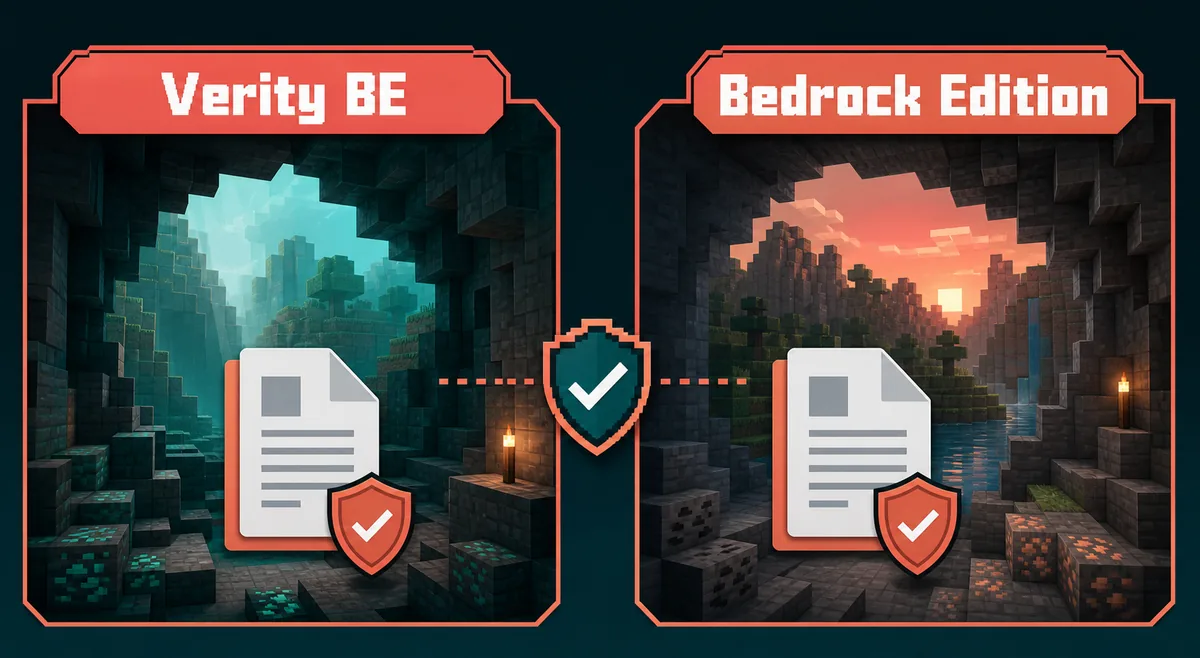
Verity BE is not just another way to write Verity Bedrock Edition. Search results now show multiple Bedrock-style Verity pages, so the safest choice is to compare the source, creator, file history, Minecraft version, and test-world workflow before downloading.
Use this guide when you searched for Verity BE, Verity BE download, Verity BE Minecraft, or wondered whether the Verity BE CurseForge page is the same as the Verity Bedrock Edition file linked elsewhere on this site.
External source pages open directly. Check the file type, edition, and version before downloading.
Fast answer
No. Treat Verity BE and Verity Bedrock Edition as separate source choices unless the file page, creator name, and version history match exactly. Current SERPs show a dedicated CurseForge page for Verity BE, while this site already references the public Verity Bedrock Edition pages from CurseForge and MCPEDL. Those names are close enough to confuse players, but source pages can point to different projects, creators, files, and update notes.
The practical answer is simple: if you specifically searched for Verity BE, start from the Verity BE source page and read its files tab before downloading. If you searched for Verity Mod Minecraft Bedrock or a .mcaddon linked by PnTMC/ThatMob source notes, use the existing Verity Mod Minecraft Bedrock guide. Mixing the two paths can create wrong expectations when a video, comment, or repost uses a similar name for a different package.
This page is intentionally comparison-first. It does not replace the Bedrock install guide, the Java availability guide, or the versions page. It answers the narrower question players now have: when search results show Verity BE and Verity Bedrock Edition together, which page should I trust, what version facts matter, and how do I test the file without risking a main world?
Latest check
Version freshness matters for this site because Verity pages have download intent. On July 25, 2026, the direct official pages checked were CurseForge Verity BE, CurseForge Verity Bedrock Edition files, MCPEDL Verity Bedrock Edition, and CurseForge Verity JE files.
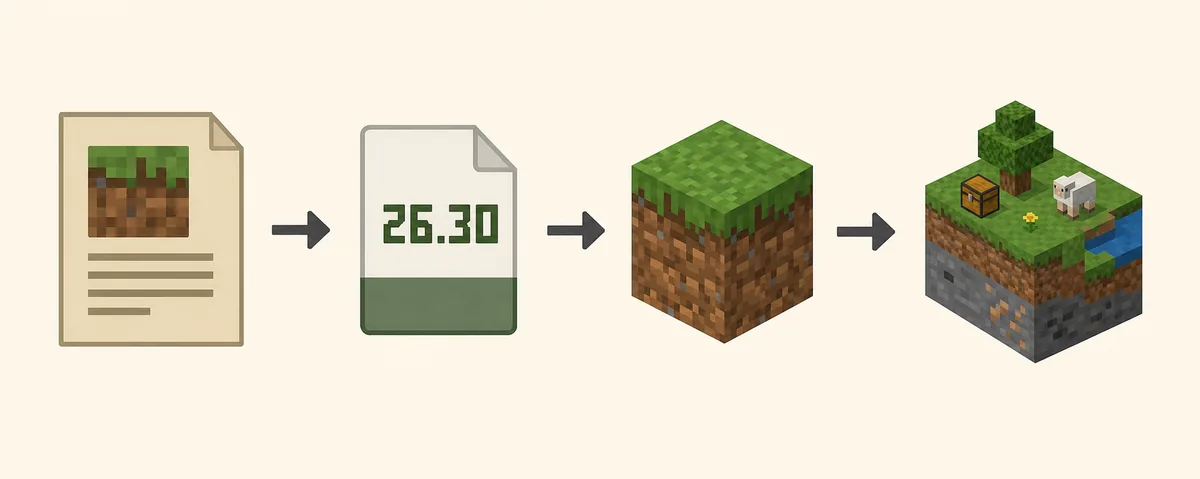
The important update is that the Bedrock Edition source trail now shows a newer file named ThatMob's Verity 3.1.0 (1st anniversary special) V26.30.mcaddon with July 25, 2026 release context, while MCPEDL lists a 39.66 MB package for the same V26.30 naming. Verity BE itself appears as a separate CurseForge Bedrock addon source with its own last-updated and download history, so it deserves its own decision page instead of being folded into the existing Bedrock guide.
Because source pages can change, this site does not claim a permanent direct file URL for Verity BE. The download CTA stays on the official source page unless a stable, verified final file URL is available with matching HTTP status, extension, MIME, and source metadata. That prevents a guide page from guessing CDN paths or sending players to a stale file.
Verification notes
A useful Verity BE source page should let you answer five practical questions before you touch the file: who published it, what the exact file name is, which Minecraft Bedrock version it targets, when it was last updated, and whether the page has a public file history. If a page hides one of those details, it may still be a real community page, but it is not a strong first download choice for a world you care about.
The safest path is to compare visible source facts instead of comparing only names. Verity BE, Verity Bedrock Edition, and Verity Remake can all look related in search suggestions, yet they may answer different user intents. A source-navigation query should end on the source page. A Bedrock install query should continue to import instructions. A remake query should be treated as separate context until its creator and file lineage are clear.
This distinction also helps internal navigation on this site. The Verity BE page should link players toward the official source fallback and then to the Bedrock, versions, or horror overview pages when those pages answer the next question. It should not replace those pages, because each one has a different job: source choice, installation, version tracking, and spoiler-light gameplay context.
If you maintain a saved copy of a Verity file, keep the source URL beside it. A local file name without a source note becomes hard to trust later, especially after a V26.30-style update or a new CurseForge files entry appears. A short source note is enough: page URL, check date, file name, file size when visible, Minecraft version, and the world used for testing.
Decision table
Start with the name you actually searched, then confirm the source page. Verity BE is a direct entity query: the user probably wants the specific CurseForge Bedrock addon page. Verity Bedrock Edition is an edition/package query: the user probably wants the .mcaddon source trail already covered by the Bedrock and versions pages. The difference sounds small, but it changes the safest next click.
The best page match for Verity BE is a comparison-and-source guide like this one because the user may not know whether two similar names are duplicates, remakes, forks, or unrelated reposts. The best page match for broad Bedrock installation remains the existing Bedrock guide, because that page already explains import, pack activation, experiments, and device handling.
If your goal is a quick download, do not skip the comparison table. A wrong source can still deliver a working-looking file that does not match your world, Minecraft version, or expected behavior. In Verity-style horror content, the first failure often appears as silence: the addon imports, textures may load, but the behavior you expected never starts.
Safe test
After choosing the right source page, test like a cautious Bedrock player. Download only after reading the file name, version, supported Minecraft release, comments or changelog, and package type. If the page does not expose enough detail, wait or use a better source rather than repeating the same search on mirror sites.
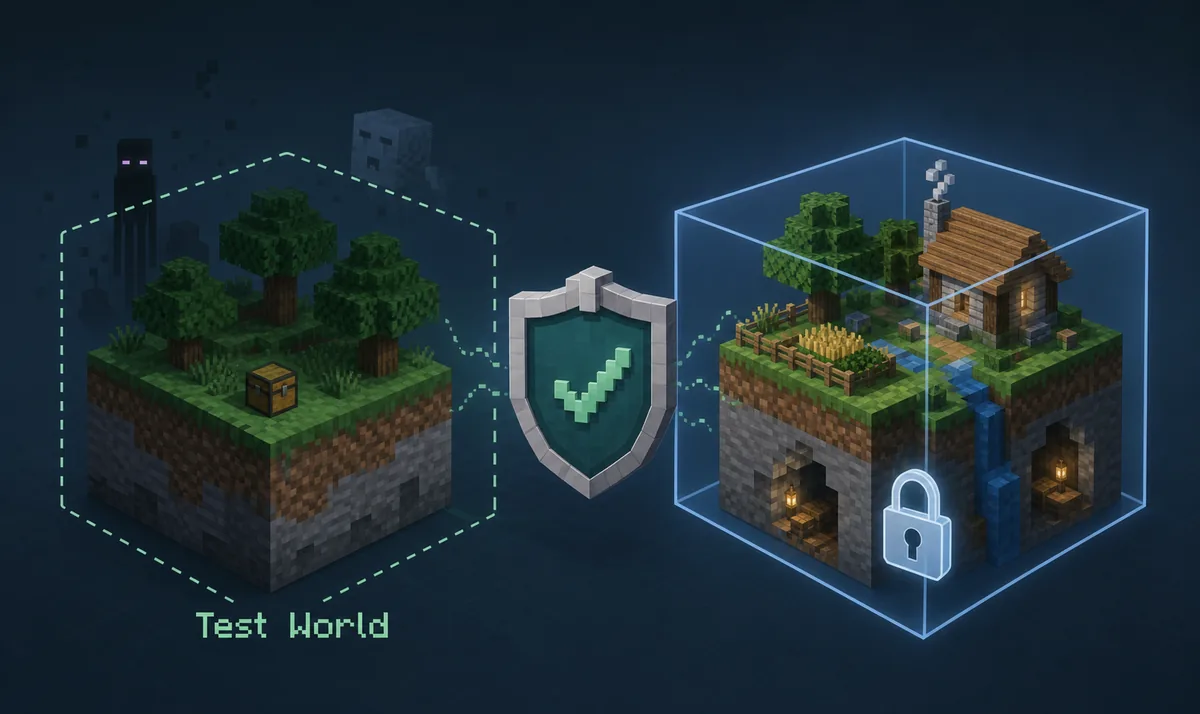
Use a copied world or a blank test world first. Activate only the Verity BE-related resource and behavior packs, enable only source-required experimental toggles, and watch whether the expected behavior appears. If it works in the copied world but not in your main world, the main world probably has a conflict, old pack, or setting issue. If it fails everywhere, return to source, edition, and version checks.
Keep a short note with the source URL, check date, file name, Minecraft version, device, and whether the test world worked. That note turns Verity BE troubleshooting from random redownloading into a repeatable process. It also makes it easier to decide whether a later V26.30-style Bedrock Edition update or a separate Verity BE update should replace your current setup.
Confirm the page name, creator, file list, and whether it is Verity BE or Verity Bedrock Edition.
Compare the file notes with your installed Bedrock version before importing.
Never test a new horror addon in your only long-term world.
Resource and behavior packs must both be active when the source requires them.
Keep source, version, device, and test-world outcome together for troubleshooting.
Next pages
Use the main Bedrock .mcaddon install guide after you know that the Bedrock Edition source is the right one.
Open Bedrock guideCheck V26.30-style update notes and old-version handling before replacing an existing world setup.
Check versionsRead the spoiler-light horror overview if you want to know what kind of experience Verity searches usually describe.
Read horror guideFAQ
Use the current CurseForge Verity BE project page as the source reference. This site is independent and does not claim to be the creator or an official mirror.
Do not assume that. Treat them as separate source choices until the project page, creator, file name, and version history prove they are the same package.
On July 25, 2026, the Bedrock Edition source trail showed ThatMob's Verity 3.1.0 (1st anniversary special) V26.30.mcaddon, with MCPEDL listing a 39.66 MB V26.30 package. Recheck the source page before installing.
Only when a stable final file URL can be verified against source metadata. If the platform only exposes a project page or changing download flow, the safe CTA should remain on the official source page.
Use Verity BE when the source page or video specifically names Verity BE. Use Verity Bedrock Edition when the file history and instructions match that source trail.
Similarweb shows Verity Remake as a related phrase, but it is a separate adjacent intent. It is better as related context or a future page, not a reason to mix sources on this Verity BE page.