Choose a mod profile
Best for the verified 1.11.2 JAR, dedicated launchers, controlled loader versions, multiplayer servers, and easier whole-profile rollback.
Version and install guide
From The Fog Minecraft is a Java Edition horror mod and datapack project that adds configurable Herobrine sightings, structures, scares, and world events without turning the game into a scripted map. The latest verified release is version 1.11.2 for Minecraft 1.21.9-1.21.10.
This independent guide separates From The Fog from The Man From The Fog, records the official version and file evidence checked on July 29, 2026, and explains how to choose a loader profile or world-based datapack path before touching a main save.
External source pages open directly. Check the file type, edition, and version before downloading.
Fast answer
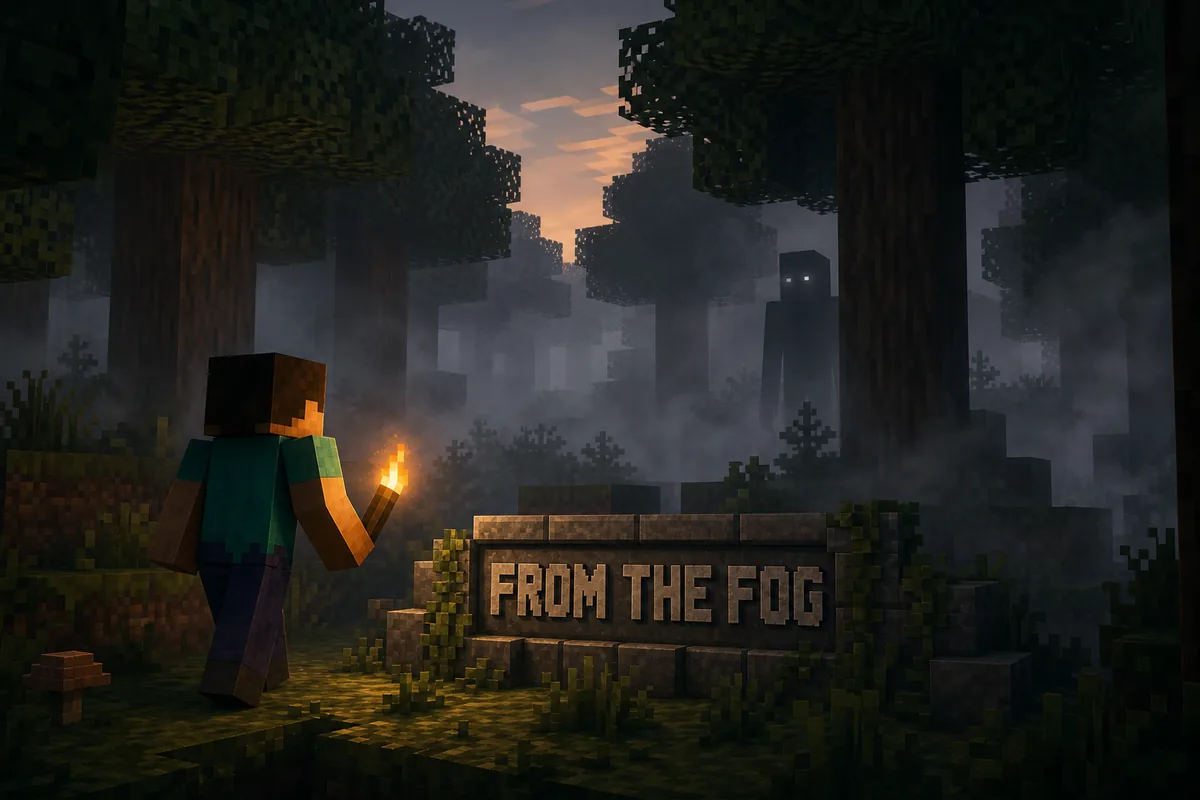
From The Fog Minecraft is Lunar Eclipse Studios' Herobrine horror project for Java Edition. It is designed around uncertainty rather than constant combat: Herobrine may watch from a distance, appear near structures, alter the atmosphere, or trigger configurable events. The official project describes both mod and datapack use, so the correct install path depends on the release you choose and whether you want the behavior attached to one world or managed through a loader profile.
For a new 1.21.9 or 1.21.10 setup, the verified 1.11.2 JAR is the clearest current route. Modrinth lists Fabric, Forge, and NeoForge for the same primary file, with client use optional and server installation required. In singleplayer, Minecraft runs an integrated server, so the project still belongs in the active game profile. On a dedicated multiplayer server, install the exact supported release on the server and follow the project page rather than assuming every client needs a duplicate file.
Do not install it only because a short clip looks frightening. First lock the Minecraft version, choose a supported loader or the project's documented datapack route, copy the world, and test the default configuration. From The Fog is intentionally configurable; two videos can show very different event frequency, structures, skins, and scare behavior even when both use the real project.
Freshness check
The latest listed Modrinth release checked on July 29, 2026 was From The Fog 1.11.2, published October 8, 2025 for Minecraft Java 1.21.9 and 1.21.10. The primary file is 20,233,272 bytes and Modrinth identifies it as a listed release for Fabric, Forge, and NeoForge. Its changelog focuses on custom skin-pack and mipmap fixes rather than a new gameplay system.
The source check recorded the exact file metadata returned by the Modrinth API: HTTP 206, application/java-archive, and a total length of 20,233,272 bytes. That helps readers identify the release on the official source page; it does not prove that a file is risk-free, compatible with a different Minecraft release, or appropriate for an existing modpack. Open the project page and choose the current file there.
If you play an older Minecraft version, do not rename the current JAR or force it into an older profile. Open the official From The Fog versions list, filter for your exact game version and loader, then read that release's page. The latest project version is not automatically the right file for every world.
Avoid the wrong project
Search tools frequently mix From The Fog with The Man From The Fog, but they are not alternate names for one download. From The Fog is the Lunar Eclipse Studios Herobrine project documented on Modrinth, the developer site, and its GitHub repository. The Man From The Fog is a separate horror creature project with its own creator, files, versions, and gameplay rules.
This distinction matters because Similarweb's related-keyword tab places both names in one semantic neighborhood. The phrase from the fog minecraft showed a 28-day global volume of 7,890 with difficulty 38, while variants containing the man from the fog also appeared. A related result is not permission to merge entities. Check the project title, author, project ID, file name, and supported versions before downloading.
If your goal is classic Herobrine sightings, use From The Fog. If a video shows a large physical creature that actively hunts or attacks the player, verify whether the creator named The Man From The Fog instead. Do not use a ritual, config command, or install tutorial from one project as instructions for the other.
Choose a path
Use the mod route when you already manage Java profiles with Fabric, Forge, or NeoForge and want the project version locked alongside the rest of the instance. This is the most auditable path for the verified 1.11.2 JAR because the loader, game release, filename, and profile can be recorded together. Keep one separate profile for testing instead of dropping the file into every installation on the computer.
Use a datapack route only when the official release instructions provide a datapack build for your Minecraft version and you understand that the behavior is tied to a world save. Datapacks belong in the world's datapacks directory, not the global mods folder. A JAR release and a datapack archive are not interchangeable simply because the project supports both formats across its history.
The official page should win whenever a release-specific instruction differs from a generic tutorial. Project packaging changes over time. Confirm the file extension and release notes before choosing the left or right path, then keep the untouched original file so rollback does not depend on memory.
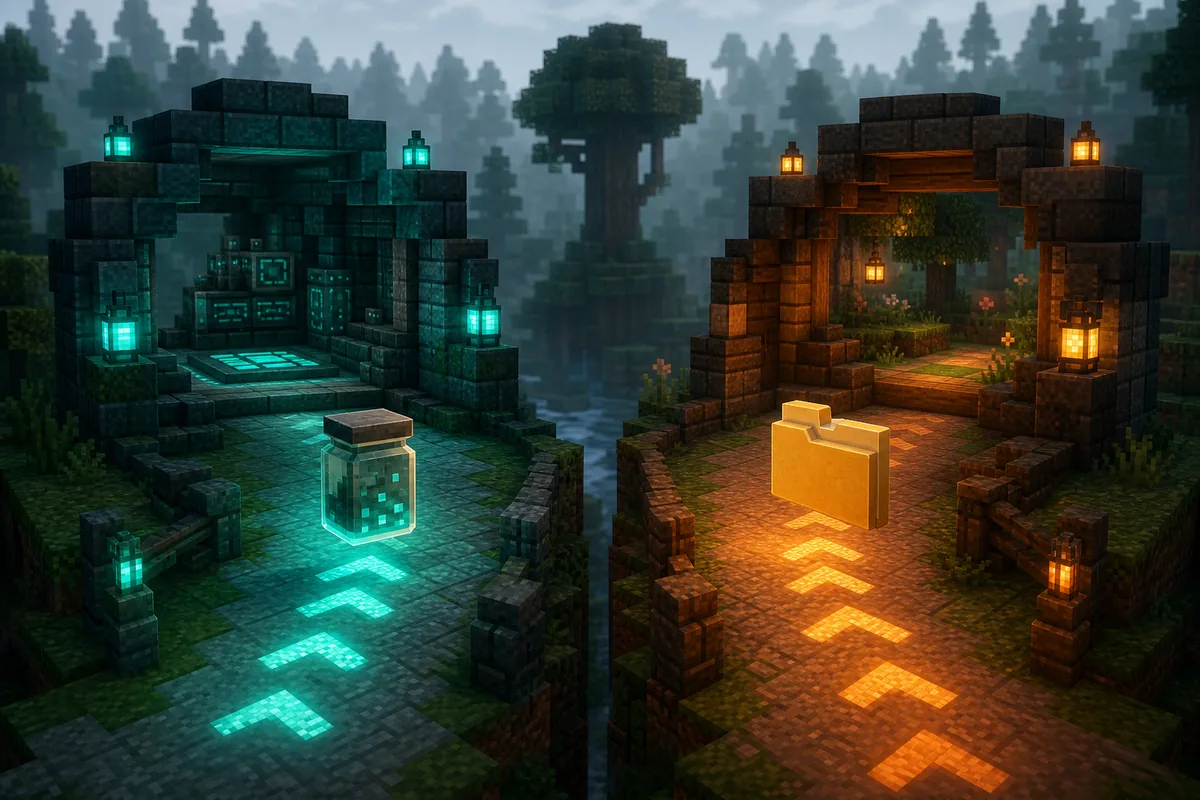
Best for the verified 1.11.2 JAR, dedicated launchers, controlled loader versions, multiplayer servers, and easier whole-profile rollback.
Use only a release documented as a datapack for your exact Minecraft version, and back up the target world before adding or removing it.
Clean setup
These steps cover the verified Java mod path without pretending that every launcher uses identical buttons. The project page remains the authority for release-specific requirements. If you need a general loader refresher, the site's Minecraft mod installation guide explains why Java profiles, Bedrock addons, and game versions must stay separate.
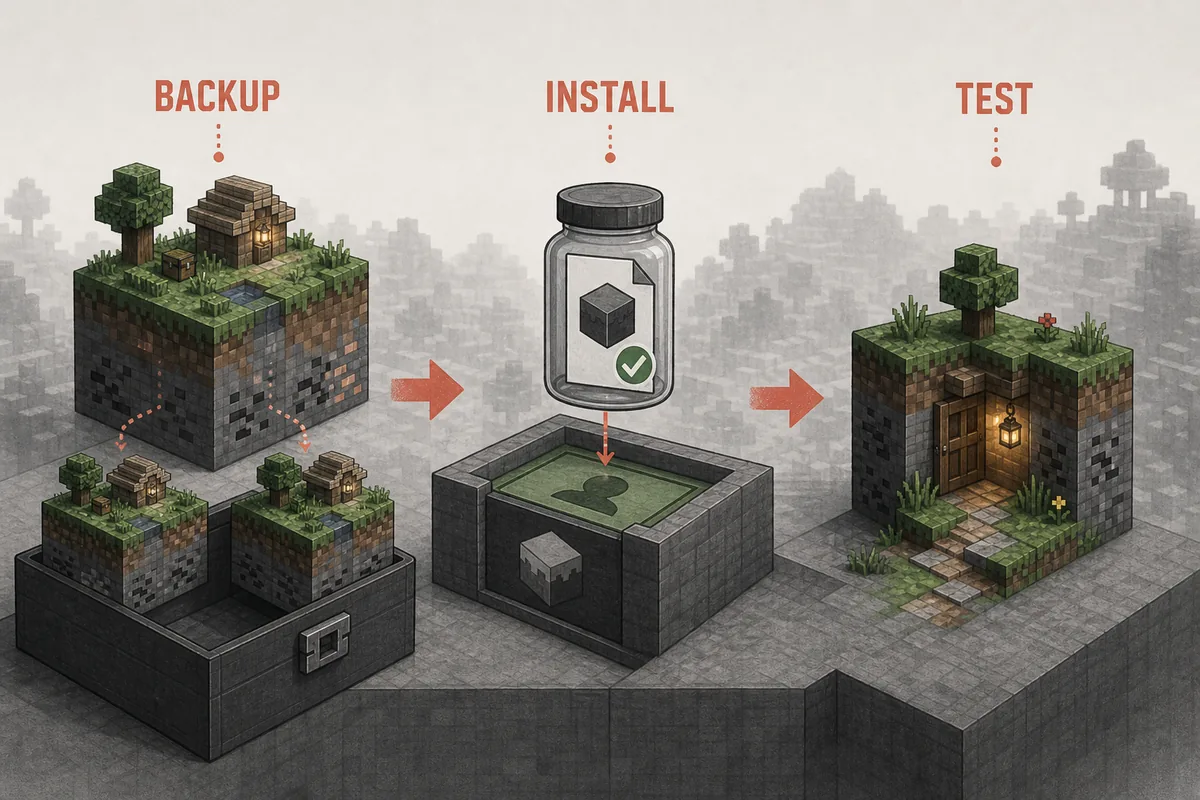
Do the first launch in a new world. A clean test tells you whether the selected game version, loader, From The Fog file, and configuration can start together. Testing inside a heavily modified save makes every symptom ambiguous and increases the cost of rollback.
Back up the save directory and export or duplicate the launcher profile before changing files. Confirm that the copy can open before continuing.
For From The Fog 1.11.2, select one of the two listed Java releases. Use the official versions list for older game releases.
Choose Fabric, Forge, or NeoForge for the exact game version. Do not place multiple loaders in one instance or infer support for an unlisted version.
From the official project page, select the file that matches the profile and the recorded 20,233,272-byte release metadata. Place that JAR in the profile's mods folder and keep the original filename so later checks remain possible.
Verify startup, world creation, normal movement, saving, exiting, and reopening before changing event frequency or adding other horror mods.
Record the default behavior first. Then adjust one event or appearance option, restart when required, and keep the last working configuration.
What to expect
From The Fog is more effective when sightings are uncertain. The official developer page documents distant appearances, sudden scares, environmental interference, sleep disruption, torch changes, shrine behavior, structures, custom skins, and numerous configurable events. The exact mix depends on the release and configuration, so this guide does not promise that every event triggers immediately in every world.
The project suits an ordinary survival playthrough better than a one-session scripted map. Herobrine can become part of the world's background rhythm rather than a boss that appears on command. That also means a five-minute test may prove compatibility without demonstrating the full experience. Test technical stability first; judge event pacing only after enough normal play to observe the default configuration.
Avoid stacking several stalking, fake-player, structure, and audio horror systems on the first run. Multiple event engines can overlap spawn checks, messages, structures, sounds, and visual cues. Start with From The Fog alone, then add one project at a time while keeping a rollback profile. The best Minecraft horror mods comparison helps separate Herobrine-style tension from cave stalkers, survival packs, and multiplayer-focused setups.
Distant or brief appearances create doubt without requiring a constant chase. Event visibility and timing can vary by configuration.
Structures, environmental changes, sleep interruption, torch behavior, and other signals can make a normal survival world feel unreliable.
Treat settings as controlled experiments. Change one option, record it, and keep a known-good file before increasing intensity.
Skin and visual options can change what players see. Version 1.11.2 specifically fixed custom skin-pack behavior and texture mipmap handling.
Protect the save
Never update only because a higher version number exists. Read the release's Minecraft versions, loader list, changelog, dependencies, and file name first. If the new release targets a newer Minecraft version, clone the entire profile and world, update the loader and project inside the clone, and prove that the copy opens before moving a main save.
Removing a world-changing project deserves the same caution. Structures, scoreboards, functions, tags, configuration, or saved state can remain after a file disappears. Follow the official project's uninstall notes when available. If no release-specific cleanup procedure is documented, restore the pre-install backup instead of repeatedly loading the only copy and hoping every change reverses itself.
A useful update note contains the source URL, project ID, old and new filenames, Minecraft version, loader version, world backup path, and test result. That small record turns a future crash or missing event into a comparison rather than a memory test. For general version reasoning, see the Minecraft mod version matching guide.
When it fails
If Minecraft crashes before the menu or world loads, start with the latest useful line in the launcher or server log. Confirm the game version, loader, profile folder, and filename before changing memory settings or downloading replacements. A JAR built for 1.21.9-1.21.10 is not evidence of support for 1.21.1, 1.20.1, Bedrock, or an unrelated loader.
If the world opens but you do not see Herobrine immediately, that is not automatically a failed install. From The Fog uses paced, configurable events rather than a guaranteed spawn beside the player. Verify that the project is loaded, use the official documentation to check configuration, and allow a clean test world enough normal play time before forcing settings at random.
For multiplayer, compare the server's project file and loader with the tested profile. Modrinth marks server installation as required and client use as optional for the project. If players can join but behavior is missing, inspect the server log and world configuration. The site's Minecraft mod troubleshooting workflow provides a broader version, dependency, conflict, and rollback checklist.
Verification sources
Project identity, description, version metadata, game versions, loaders, file size, SHA-1, environment requirements, license, gallery availability, and the public source URL were checked through the official Modrinth API and the From The Fog Modrinth page on July 29, 2026.
Feature names and configuration context were cross-checked against the Lunar Eclipse Studios From The Fog page. The project links its source to GitHub. CurseForge was also checked as a known source route but returned HTTP 403 in this environment, so no unverified CurseForge file facts were copied into this page.
The official project and gallery use a CC BY-NC-SA 4.0 license. Because this site may display advertising, official gallery images were not copied into the article. The three local visuals are original editorial illustrations created for this guide and are explicitly captioned as illustrations rather than gameplay or official screenshots.
Next pages
Compare Herobrine-style tension, cave stalkers, Bedrock addons, and Java horror projects before choosing a world.
Compare horror modsUse a focused source, version, and test-world guide for a different cave-stalker horror style.
Open Cave Dweller guideCompare server requirements, loaders, voice features, and profile distribution for group horror sessions.
Plan multiplayer horrorUse a structured version, loader, dependency, log, conflict, and rollback workflow when a profile fails.
Troubleshoot the profileFAQ
The newest listed Modrinth release checked on July 29, 2026 was From The Fog 1.11.2, published October 8, 2025 for Minecraft Java 1.21.9 and 1.21.10 with Fabric, Forge, and NeoForge. Check the official versions list again before downloading because project metadata can change.
No. From The Fog is Lunar Eclipse Studios' configurable Herobrine project. The Man From The Fog is a separate creature-horror project. Do not share their files, rituals, configs, version advice, or download links.
The verified project in this guide is for Minecraft Java Edition. Its 1.11.2 release is a Java JAR for Fabric, Forge, and NeoForge. A Java JAR cannot be imported as a Bedrock behavior or resource pack.
Yes when the selected release supports the server's exact Minecraft version and loader. Modrinth marks the project as required on the server and optional on clients. Test with two players, confirm the server log, and distribute only files that the release actually requires.
A delayed sighting can be normal because the project uses paced and configurable events. First confirm that the correct project loaded, then review the official configuration documentation and test in a clean world long enough to observe default behavior.
The recorded Java-archive MIME and total size matched the Modrinth release record on the review date. That helps identify the source release, but it is not a malware scan and does not prove compatibility with a different game version. Open the official project page, keep backups, and choose the live file there.