Open the source page
Start from a recognized index, official listing, creator page, or project page rather than a direct mirror with no context.
Bedrock edition guide
Minecraft Bedrock horror mods are usually add-ons, resource packs, behavior packs, or Marketplace projects rather than Java .jar mods. The best choice is the one that matches your Bedrock version, device, file type, and tolerance for experiments and pack conflicts.
This independent guide compares seven Bedrock horror paths, explains how to check a source page, and gives you a disposable test-world workflow before you put a scary add-on into a main save.
External source pages open directly. Check the file type, edition, and version before downloading.
Start here
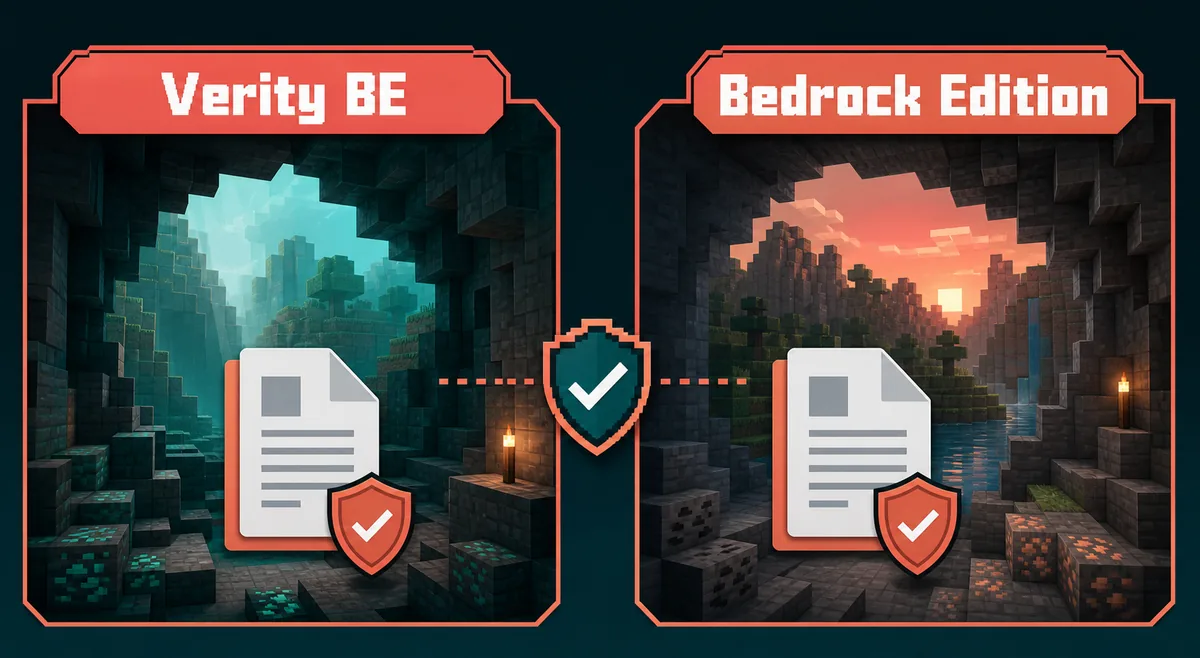
Start with a project that has a named creator or publisher, a visible version note, and a clear Bedrock import path. For a low-friction first test, choose one entity or atmosphere add-on rather than a large pack that changes mobs, sounds, structures, and world generation at the same time. The phrase Minecraft Bedrock horror mods covers several different products, so a result that looks scary in a video may still be the wrong file for your device.
The shortlist below is organized by the experience you want, not by an unverified download ranking. Bedrock players may use Windows, Android, iOS, consoles, or a hosted Realm, and the available file path is different on each platform. Read the source page first, then test the import in a copied world with no other experimental add-ons active.
If you searched for a Java mod, stop before downloading. A Java .jar built for Forge or Fabric cannot be imported as a Bedrock add-on. Use the site's general horror mod comparison for the Java branch, and keep this page for Bedrock packs, add-ons, and Marketplace-style installs.
Decision table
These are seven useful Bedrock paths rather than seven claims about a permanently current file list. Add-ons change, creators move pages, and a project that works on one Bedrock release can fail after a game update. Use the path to narrow your search, then let the recognized source page decide whether the file is still maintained.
The main information gap in many results is the install boundary. A Bedrock horror add-on can include a resource pack, a behavior pack, or both. The table calls out that boundary so you can match the product to your world instead of importing a file and assuming the monster is missing.
Edition match
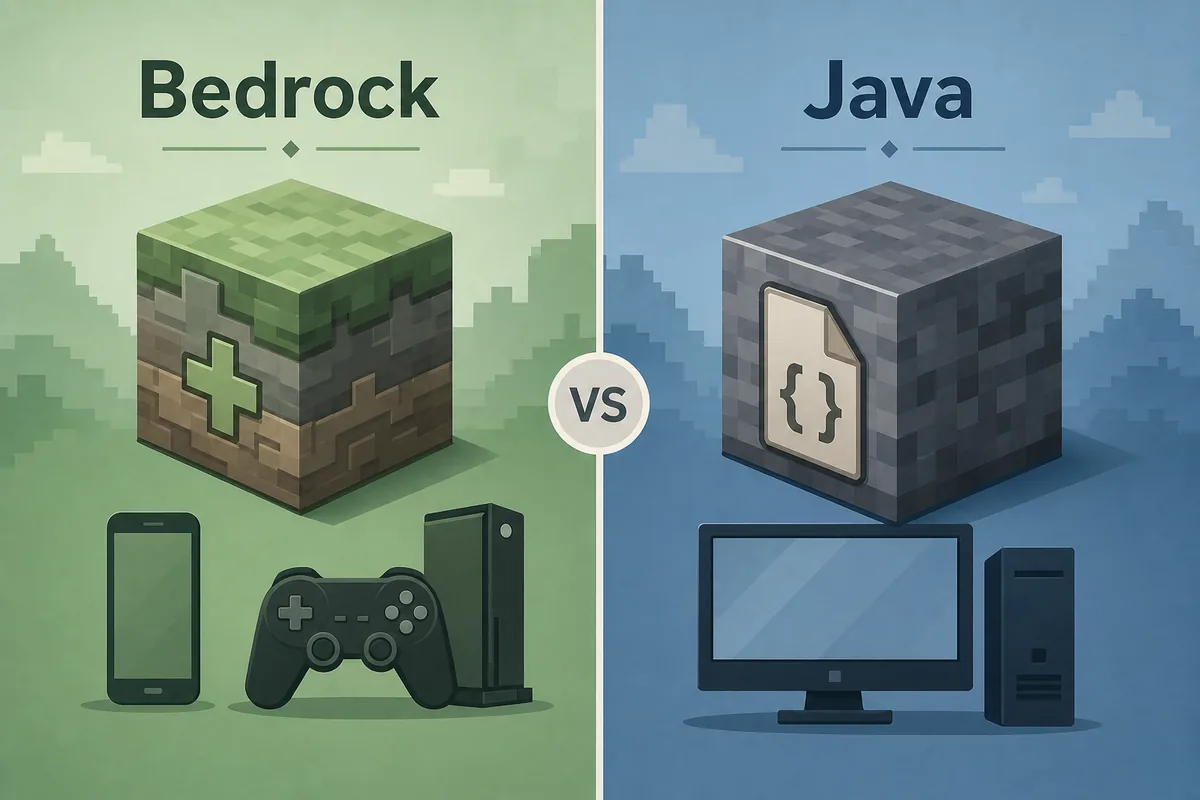
Bedrock horror projects normally arrive as .mcaddon, .mcpack, or folders that contain resource and behavior packs. Java horror projects normally arrive as .jar files, a modpack profile, or a loader-specific collection. The words mod, add-on, and horror pack are often mixed in search results, but the install mechanics are not interchangeable.
A Bedrock player may need to activate two separate packs on the world settings screen. A resource pack controls assets such as textures, sounds, and models; a behavior pack controls entities, events, scripts, or gameplay rules. If only one side is enabled, the add-on can appear installed while its main effect is absent. Console and Realm limits can also prevent a community add-on from behaving like a local Windows or mobile world.
For a Java setup, use the existing Fabric horror guide, Forge horror guide, or multiplayer guide. Do not rename a .jar to .mcaddon, and do not import a Java mod into Bedrock just because a video uses the same monster name.
Before the import
A trustworthy source page should answer who published the add-on, what the file contains, which Minecraft Bedrock versions it supports, and how updates are recorded. Recognized discovery hubs such as CurseForge Bedrock search, Modrinth search, and the Minecraft Marketplace are useful starting points. They do not make every third-party file automatically compatible with your world.
Read the release or update note instead of relying on a thumbnail. A page may mention a Minecraft version, a preview channel, an experimental toggle, or a required pack order. If the source does not show a creator, file history, supported version, or clear import instructions, keep it out of a main save. This page intentionally avoids claiming a single latest Bedrock version because the keyword describes a category, not one package.
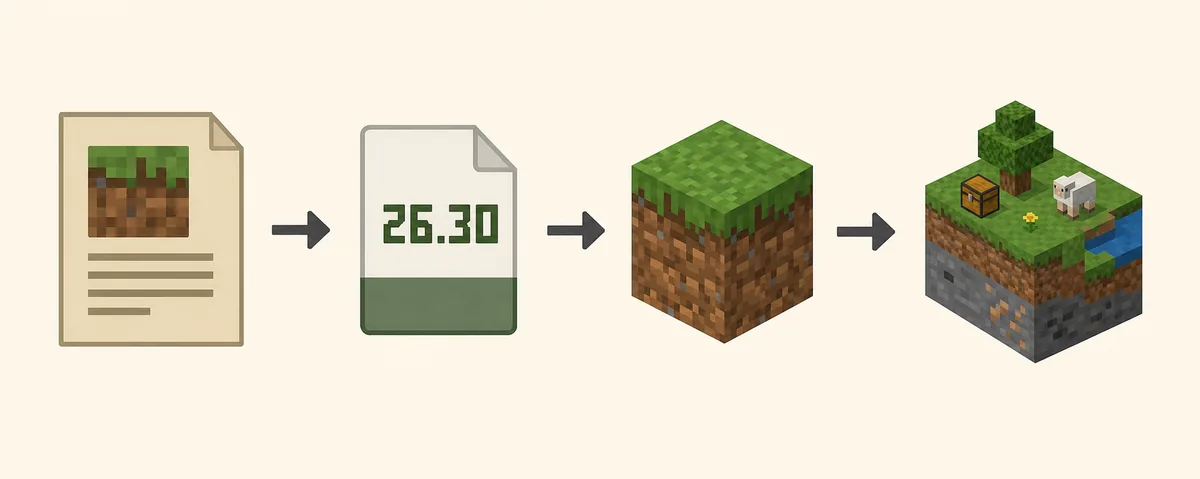
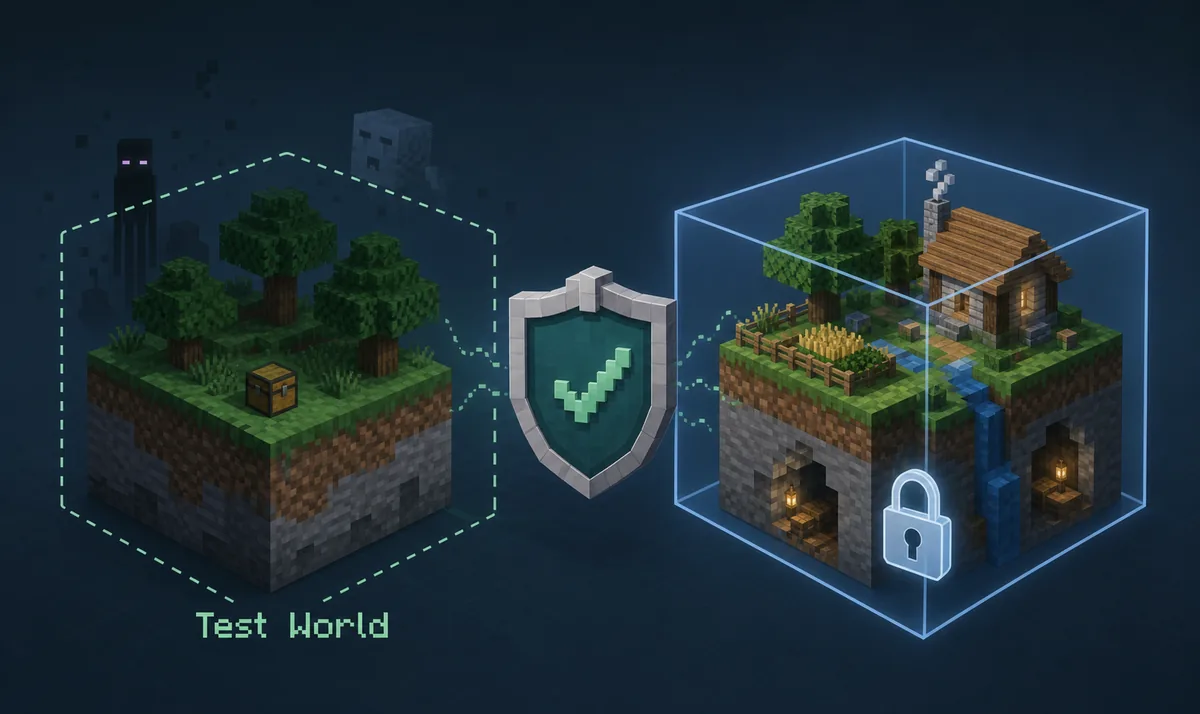
The image below is a reusable editorial flow from the site's Bedrock source checks. It is not an official screenshot and does not prove that a particular add-on is safe. Its purpose is to keep the decision order visible: source first, version second, test world third.
Start from a recognized index, official listing, creator page, or project page rather than a direct mirror with no context.
Confirm whether the download is .mcaddon, .mcpack, a folder, or a store installation. Do not guess from the filename alone.
Compare the page's Bedrock version and preview notes with the version shown in your game before importing.
Note resource-pack and behavior-pack order, experiments, dependencies, and any device or Realm limits.
Installation workflow
For a file-based add-on, download from the source page and open the .mcaddon or .mcpack with Minecraft so the game can import it. The exact file picker differs between Windows, Android, iOS, and console-connected workflows. If the operating system treats the file as an archive instead of handing it to Minecraft, return to the source instructions rather than renaming random extensions.
After import, create or open a copied test world. In the world settings, add the resource pack and behavior pack required by the source page. Put the packs in the documented order, enable only the experiments the project names, and check the active-pack list before you press Play. A successful import message only proves that the file was read; it does not prove that the entity, sound, or event is active.
If you are using a Marketplace-style listing, follow the account and device rules shown by the official listing. Do not mix a purchased pack with a reposted file that uses the same thumbnail. For general Verity installation steps, the site's installation guide covers source checks and clean testing without turning this category page into a direct-file mirror.
Duplicate the world or create a new flat test world before any import. Keep the untouched save outside the experiment.
Open the official .mcaddon or .mcpack path once and wait for the import message. Repeated imports can create confusing duplicate pack entries.
If the project supplies resource and behavior packs, activate both in the order stated by the source page.
Turn on the experiments the project documents. Do not switch on every toggle as a generic crash fix.
Enter the copied world, follow the documented spawn or event trigger, and check the log or chat for an error before adding another pack.
Troubleshooting
A test world makes Bedrock horror troubleshooting reversible. If the creature does not spawn, check behavior-pack activation, difficulty, spawn conditions, experiments, and the project's own trigger instructions. If textures or sounds are missing, check resource-pack order and whether another pack overrides the same files. A clean world with one add-on tells you more than a crowded survival save with five unknown packs.
Performance problems need the same isolation. Large structure packs, custom sounds, scripts, and entity AI can raise memory or tick cost even when the download is small. Lower simulation distance, remove one optional pack at a time, and test on the target device. Do not promise that a Bedrock horror add-on works on every phone, console, Realm, or preview build.
For friends, everyone needs the same supported pack state unless the source explicitly says the add-on is server- or host-only. Realms and multiplayer sessions can impose additional account, permission, and pack-download prompts. Use the dedicated multiplayer horror guide when the real question is server synchronization rather than a single-player Bedrock import.
Final checklist
The best Minecraft Bedrock horror mods page should leave you with a repeatable choice: a source you can identify, a file type you understand, a Bedrock version that matches, a pack order you can reproduce, and a test world you can delete. That process is more useful than a permanent list of scary thumbnails because add-ons and game builds change.
Start with one focused entity or atmosphere path, keep the original world untouched, and link back to the source page when the creator publishes an update. When your intent changes to Java loaders, modpacks, or server play, use the related guides instead of forcing a Bedrock add-on into the wrong workflow.
Next pages
Check the Verity-specific source, edition, version, and test-world path.
Open Bedrock guideCompare the wider Bedrock and Java horror landscape before choosing one project.
Compare all picksMove here when the main problem is server, client, Realm, or friend synchronization.
Open multiplayer guideUse the site's source-first installation workflow for a clean profile or copied world.
Read install stepsFAQ
No. Java .jar files and loader profiles are not Bedrock add-ons. Look for a .mcaddon, .mcpack, compatible pack folder, or an official Marketplace listing, and confirm the source page names Bedrock support.
Open a recognized source page, match the file extension and supported Bedrock version, import the .mcaddon or .mcpack through Minecraft, then activate the required resource and behavior packs in a copied test world. The exact file handoff depends on your device.
The most common causes are an inactive behavior pack, the wrong pack order, missing experiments, a version mismatch, or a trigger condition that has not been met. Test with one add-on in a clean world and follow the project's own instructions.
Some support shared worlds, while others are single-player or device-specific. Check the source page, compare active packs for every player, and confirm Realm or permission limits before applying an add-on to a shared world.
Only when the project supplies or documents both. Resource packs usually carry textures, sounds, or models; behavior packs carry entities and gameplay logic. Activating only one can make a working add-on look broken.
Begin with the creator's project page, a recognized CurseForge or Modrinth listing, or the official Minecraft Marketplace when the project is sold there. Avoid direct mirrors that hide the creator, file history, version, and pack requirements.