1.20.1 Horror Mods: 6 Java Picks for Forge & Fabric
The best 1.20.1 horror mods are the ones that match your loader, profile, and tolerance for unfinished or heavy content. For a first test, start with The Man From The Fog or The Obsessed on Forge; choose Horror messages when you want a small psychological layer that also has a Fabric path.
This guide checks official Modrinth project and version metadata on August 4, 2026. It compares six Java projects by loader, client/server requirement, release status, file size, and scare style. It links to project pages instead of hosting files or guessing permanent CDN downloads.
External source pages open directly. Check the file type, edition, and version before downloading.
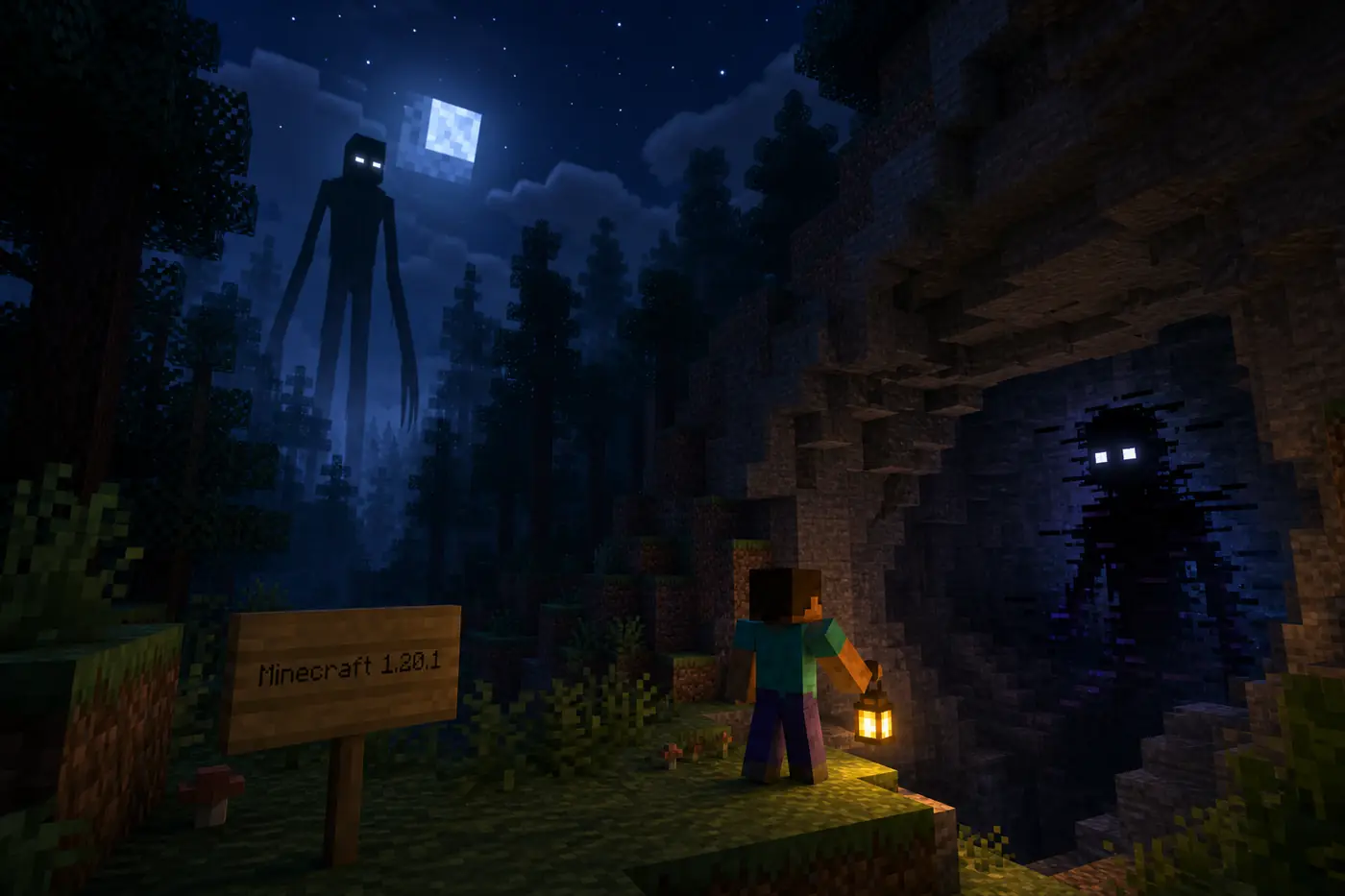
Conceptual editorial illustration, not an official gameplay screenshot: the right 1.20.1 horror mod starts with version and loader fit.
Fast answer
Which 1.20.1 Horror Mods Are Worth Testing?
Use The Man From The Fog when you want a recognizable stalker that is easy to explain to a solo player. The official Modrinth record lists version 1.4 for Forge 1.20.1, with both client and server required. The Obsessed is the more recently published choice in this review: version 1.5.1e targets Forge 1.20.1 and was published on July 22, 2026.
Choose The Anomaly for a compact Forge entity with a different presentation, Horror messages for a small psychological effect, From The Caves for a heavier cave and body-horror experiment, or The Box Of Horrors when a large multi-entity file is acceptable. These are not interchangeable downloads. A project can match the game version and still miss your loader, dependencies, performance budget, or preferred scare style.
The useful decision is therefore not a ranking by fear alone. First lock Minecraft Java 1.20.1, then choose Forge or Fabric, then check whether the project expects a server-side installation. Only after those checks should you compare popularity, screenshots, or the phrase the scariest Minecraft mod. A separate profile gives you a clean rollback path when the first launch fails.
Use the official project page as the source of truth for the current file list.
Do not install a Forge jar in a Fabric profile, even when both files mention 1.20.1.
Treat beta or very large files as test-world choices, not automatic recommendations.
Record the project version, loader, Minecraft version, file name, and test result.
Keep Java and Bedrock decisions separate; a .jar is not a Bedrock behavior pack.
Official metadata snapshot
6 1.20.1 Horror Mods Compared
The table below uses the newest matching 1.20.1 version returned by the official Modrinth API on August 4, 2026. File size is shown as a practical warning, not a quality score. A 21 KB message mod and a 95 MB multi-entity mod solve different problems, so size alone cannot tell you which one will be better for your world.
The client and server columns matter for multiplayer. The Man From The Fog, The Obsessed, The Anomaly, From The Caves, and The Box Of Horrors are marked required on both sides in their project metadata. Horror messages is different: its server side is required while the client side is optional. Read the source page again before installing because project owners can replace files or add dependencies after this snapshot.
ProjectReviewed 1.20.1 fileLoader / statusClient / serverBest fit
The Man From The Fog1.4; 3,769,386 bytesForge; release; 2024-11-29Required / requiredClassic stalker tension
The Obsessed1.5.1e; 3,491,225 bytesForge; release; 2026-07-22Required / requiredRecent psychological stalker
The Anomaly2.1.0; 1,573,692 bytesForge; release; 2025-04-15Required / requiredCompact entity horror
From The Caves0.6.926; 10,375,007 bytesForge; beta; 2026-01-16Required / requiredCave and body horror test
The Box Of Horrors0.0.9; 95,127,451 bytesForge; release; 2025-12-15Required / requiredLarge multi-entity pack
Decision guide
Choose by the Kind of Horror You Want
A search for the scariest Minecraft mod usually hides a more practical question: do you want a quiet stalker, a psychological disturbance, a cave-focused threat, or a large collection of entities? Naming that preference first prevents you from installing a technically compatible project that feels wrong after ten minutes.
The six picks below are deliberately different. They are not a promise that every project is equally maintained, lightweight, or suitable for a public server. The useful comparison is the combination of current 1.20.1 metadata, the project's release status, its client/server flags, and the amount of testing your own profile can tolerate.
1. The Man From The Fog
Choose this first when a familiar stalking creature is the goal. Version 1.4 is a Forge 1.20.1 release with both client and server required. Use a copied world and expect the experience to depend on night cycles, distance, and how much empty space your seed provides.
2. The Obsessed
Choose this when you want the most recently published reviewed file in this list. Version 1.5.1e targets Forge 1.20.1 and adds an intense psychological stalker concept. It is still a modded entity system, so test spawn behavior and server load before a long survival world.
3. The Anomaly
Choose this for a smaller Forge project with a strange-file or anomaly premise. The reviewed 2.1.0 release is for Forge 1.20.1. Its smaller jar does not prove that every machine will run it smoothly; verify dependencies and reproduce the first launch in a clean profile.
4. Horror messages
Choose this when you want psychological pressure without a large creature roster. The project has a Forge 1.0.0 file and a Fabric 1.0.1 file for 1.20.1. The server is required while the client is optional, which makes it a useful lightweight comparison point.
5. From The Caves
Choose this for a cave and body-horror experiment rather than a casual drop-in. The reviewed 0.6.926 file is a Forge 1.20.1 beta and is about 9.9 MiB. A beta label and a larger world-impacting system make a separate test world especially important.
6. The Box Of Horrors
Choose this only when you want several horror characters in one larger Forge profile. The reviewed 0.0.9 release is about 90.7 MiB for 1.20.1. Check the project description and dependencies carefully, and do not confuse a large file with a guaranteed better or scarier result.
Real source check
How to Verify a 1.20.1 Horror Mod Before Downloading
The leading Similarweb result for this topic is a CurseForge path, but a source name alone is not enough. A reliable check opens the project page, confirms the creator and project identity, filters the files for Minecraft 1.20.1, reads the loader label, checks the release or beta state, and looks at dependencies or instructions. This page uses Modrinth rows because its official API exposes those fields consistently; the same checks apply if you start from CurseForge.
Do not copy a direct CDN URL from an old article and call it the latest file. The official project page is the stable fallback used here. It is also the place to check whether a version was replaced, whether the file is marked release or beta, and whether a new dependency appeared. This site does not rehost these mods or claim that a third-party file is malware-free.
Project identity: title, creator, and official project page agree.
Game version: the file page explicitly lists Minecraft 1.20.1.
Loader: Forge or Fabric matches the profile you will launch.
Status: release, beta, alpha, or an old file is visible before install.
Package: file name and size are shown by the source page; no guessed mirror is used.
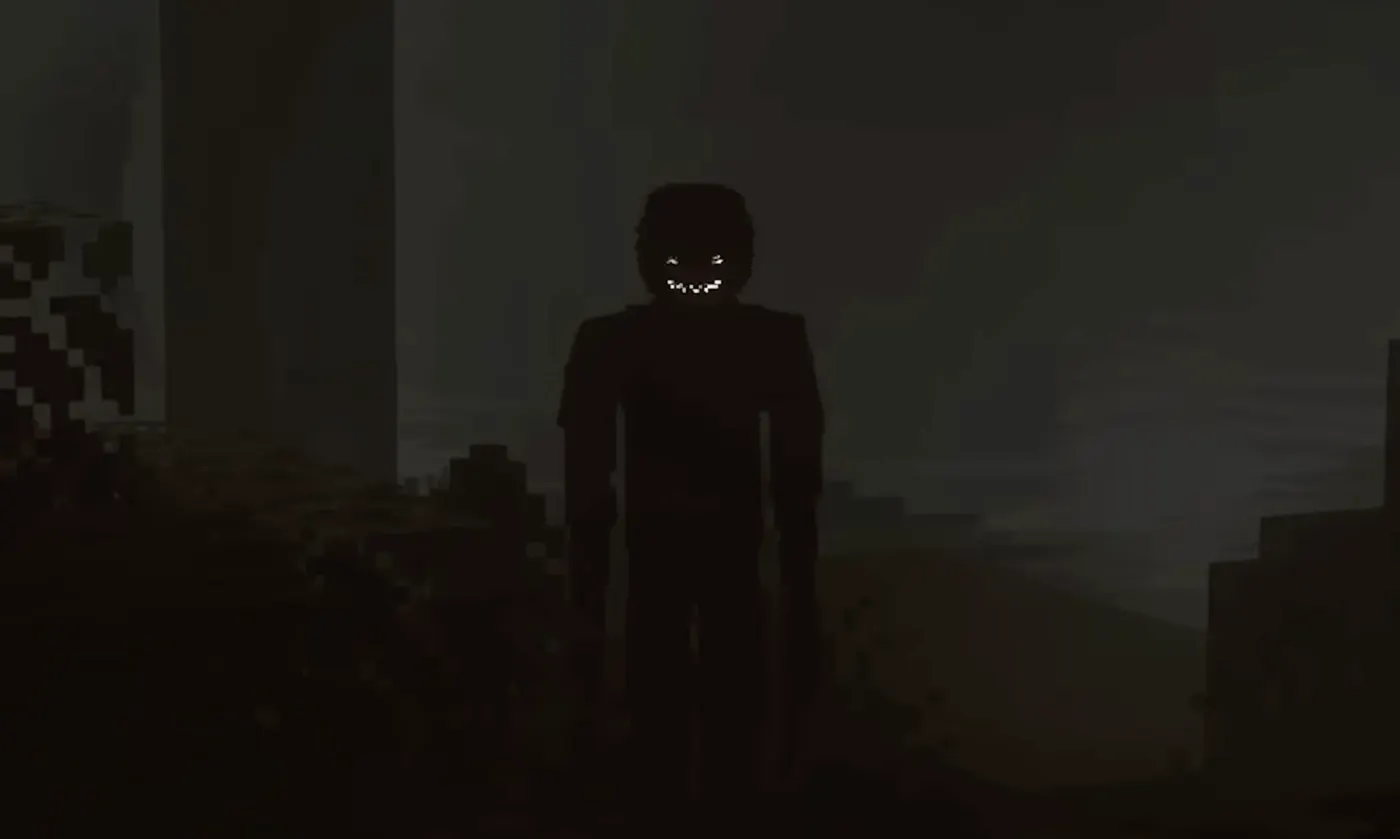
Official project media from The Man From The Fog Modrinth page; the image is used to identify the scare style, not to prove version compatibility.
Setup workflow
Forge and Fabric Setup for 1.20.1 Horror Mods
Create the Java 1.20.1 profile before downloading a mod. A Forge project belongs in a Forge 1.20.1 instance, and the Fabric build of Horror messages belongs in a Fabric instance with the required Fabric-side dependencies. Keeping the profiles separate makes a failed launch easier to explain than putting every candidate into one large mods folder.
For a server, read the client and server flags instead of assuming that a friend can join with a vanilla client. Five of the reviewed projects are required on both sides. Horror messages is the exception in this snapshot, but its server requirement still matters. Export the tested profile or write down the exact file names so every player uses the same set.
1
1. Lock Minecraft 1.20.1
Create or select a Java 1.20.1 instance. Do not start by installing a file and then guessing which nearby game version it expects.
2
2. Lock the loader
Choose Forge or Fabric from the official file record. Install the loader version and any named dependencies in that same profile.
3
3. Add one project
Place one verified project file into the profile. Starting with one horror system gives you a clean baseline for crashes, missing mobs, and performance changes.
4
4. Test a copied world
Use a new or copied world and play long enough to test spawning, sounds, structures, and the first night cycle. Keep a backup before updating.
5
5. Share the exact profile
For multiplayer, share the launcher export or a written manifest. Record project version, loader, dependencies, and whether the server also needs the file.
Stable test world
Performance, Conflicts, and Failed Launches
A 1.20.1 horror mod can be compatible and still be too heavy for the way you play. Entity AI, pathfinding, world generation, audio events, and large structures all add different costs. The Box Of Horrors is a useful reminder: its reviewed file is roughly 90.7 MiB, while Horror messages is only about 18-21 KB. Neither number predicts tick time by itself, but the difference tells you to test rather than stack several projects immediately.
If Minecraft crashes at startup, read the first useful error in the latest log and check the loader, dependency, and exact game version. If the world loads but the horror event never appears, check whether the mechanic is server-side, whether a configuration or difficulty rule is active, and whether the source page describes a delay. Replacing files at random often removes the evidence you need.
When a stable profile becomes slow, lower simulation distance, remove duplicate entity systems, and measure one change at a time. For a multiplayer server, compare the client and server logs for a missing mod ID, channel, registry, or dependency. The existing Verity Mod Not Working guide has a reusable isolation method even though its product focus is different.
Change one mod or configuration value at a time.
Keep a rollback copy of the profile and world before updates.
Check server and client logs together when a friend cannot join.
Treat beta files and large multi-entity projects as test-first options.
Use the exact source-page file name when reporting a problem.
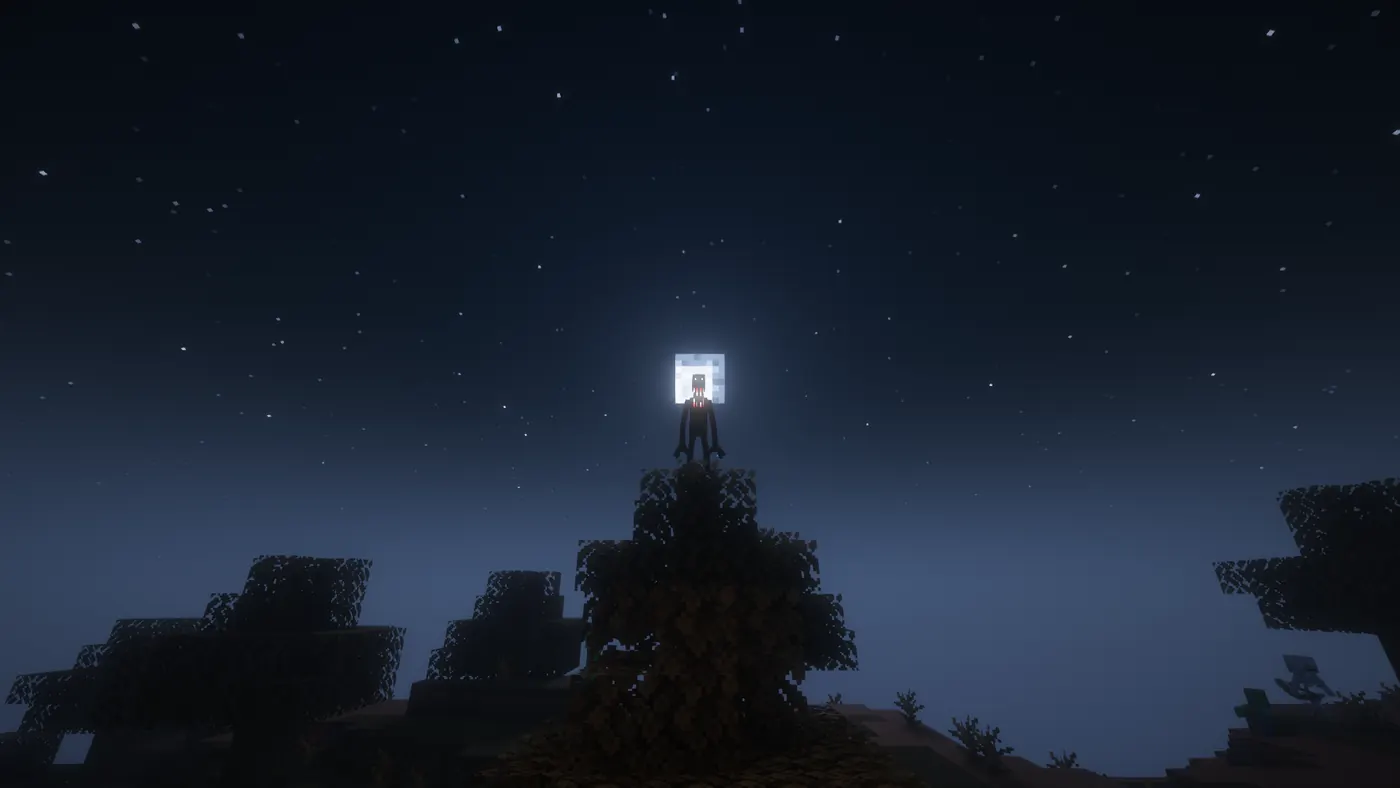
Official project media from The Obsessed Modrinth page; atmospheric screenshots show the intended mood, not a promise of performance.
Edition boundary
Can These 1.20.1 Horror Mods Run on Bedrock?
No. The six reviewed entries are Java projects that use Forge or Fabric. A Bedrock world cannot load their .jar files, and a Bedrock player should not rename a jar, import it as a behavior pack, or trust a mirror that says the editions are interchangeable. The search phrase Minecraft horror mods bedrock has a different page intent and remains assigned to the existing Bedrock guide.
If you play Bedrock on Windows, mobile, or console, use a Bedrock-specific addon and check its resource pack, behavior pack, device, and version notes. The Verity Mod Minecraft Bedrock guide covers that separate workflow. If your group includes both editions, select one edition for the event instead of trying to bridge Java loaders and Bedrock packs.
This boundary is also why this page does not promise a universal best horror mod. The correct answer depends first on Java versus Bedrock, then on Minecraft 1.20.1, then on Forge versus Fabric, and finally on the project features you actually want. Keeping those decisions in order prevents a related keyword from turning into a broken installation.
Verification notes
Official Sources and Version Notes for This Guide
Project names, 1.20.1 versions, published dates, loaders, file sizes, and client/server flags were checked through the official Modrinth API on August 4, 2026. The table links to each official project page so the reader can verify a changed file after publication. Similarweb global keyword data was checked for the page topic; its country selector currently permits only 999 in this environment.
The generated cover is a labeled conceptual illustration. The two in-body images are official project media from Modrinth and are credited in their captions. Neither type of image proves that a file is current. Before installing, reopen the source page, match the game version and loader, check dependencies, and test in a copied world.
Next pages
Related Verity Mod Guides
Verity Mod Minecraft Java
Check Java loader, profile, file-type, and version boundaries before installing.
This review found six Java projects with a matching official Modrinth version: The Man From The Fog, The Obsessed, The Anomaly, Horror messages, From The Caves, and The Box Of Horrors. Recheck the project page because version lists and dependencies can change.
Are 1.20.1 horror mods Forge or Fabric?
Most of the reviewed entries are Forge 1.20.1 projects. Horror messages is the useful exception because it has both a Forge file and a Fabric file. Choose the loader before downloading and keep the two profiles separate.
Do all 1.20.1 horror mods need to be installed on a server?
No single rule covers every project. Five reviewed projects are marked required on both client and server, while Horror messages is marked optional on the client and required on the server. Always read the current project metadata and server instructions.
What is the best 1.20.1 horror mod for a low-spec PC?
Start with the smallest-scope option you can verify, such as Horror messages, then test it. File size is not a complete performance measure, so watch tick time, memory, entity behavior, and render distance before adding a larger project.
Can I use a 1.20.1 horror mod on Minecraft Bedrock?
No. These are Java mods for Forge or Fabric, usually distributed as jar files. Bedrock needs a Bedrock-specific addon with its own resource-pack, behavior-pack, device, and version checks.
Should I always install the latest 1.20.1 horror mod file?
Use the latest file only when it still lists Minecraft 1.20.1 and your loader. An older release can be the correct choice if it matches the profile, while a newer release for another game version can be incompatible.