Horrorland - With Verity!
Best first inspection for a Verity-adjacent 1.20.1 Forge profile. The current checked file is large, so use a separate instance and expect a longer import or first launch than a small single-mod test.
Open official projectModpack decision guide
Minecraft horror modpacks are bundled Java profiles, not just one scary mod with a new name. The best choice depends on your Minecraft version, loader, file size, scare style, and whether every player can use the same profile. This guide compares four horror modpack picks using official Modrinth and CurseForge listings checked on October 3, 2026, then shows how to test a pack before it touches a main world.
The examples below are source-page recommendations, not hosted downloads. Version numbers, files, dependencies, and support can change. Open the official project page, confirm the live release, and use a separate instance or copied world before you install.
External source pages open directly. Check the file type, edition, and version before downloading.
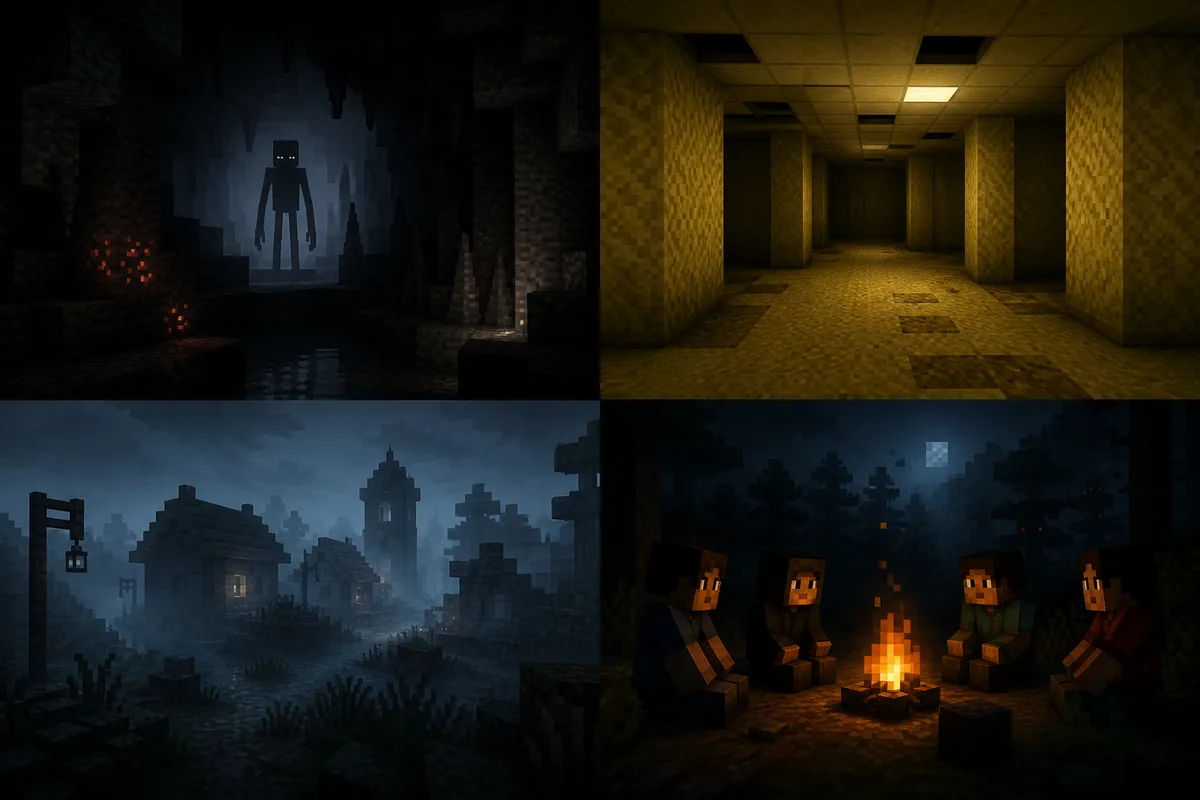
Start with the decision
For a Verity connection, start by inspecting Horrorland - With Verity!. CurseForge currently lists release 57.2.0 for Forge 1.20.1 (published Sep 28, 2026; 62.8 MB). It is a large profile, so use a fresh Java instance or planned group session rather than a saved world with unknown dependencies.
Choose Cave Horror Project 1 if you want a larger creature-and-structure bundle: Modrinth lists release 3.6.1 (published Oct 1, 2026) for Forge 1.20.1 with a 169.7 MB .mrpack file. For a focused Fabric 1.20.1 backrooms atmosphere, choose Into the backrooms: found footage horror. For a smaller Fabric experiment, compare Horror +.
A modpack is not automatically easier, safer, or more stable than a single mod. It is easier to distribute as a repeatable profile, but it can introduce more dependencies, memory pressure, configuration files, and server/client mismatch points. Treat the project page as the source of truth and treat the version record below as a dated check, not a permanent promise.
Dated official metadata check
The rows use the latest stable file shown on each linked platform, checked on October 3, 2026. Sizes are planning values, not installed-size or performance estimates; file formats and release records can differ by platform, so check the official listing again before installing.
The project links are stable discovery pages. They are deliberately used instead of guessed CDN URLs because release files, signatures, and filenames can change. Open a project page to confirm the current version, loader, dependencies, changelog, and whether the visible file is still the right one for your launcher.
The Into the Backrooms entry lists two platform packages, not interchangeable files or a cross-platform version update. For standalone Java Backrooms mods, see the version and loader comparison.
Match the reader to the profile
The phrase best Minecraft horror modpacks hides several different decisions. A pack that is excellent for a recording session may be a poor choice for a long survival world. A pack that loads on Forge cannot be moved into a Fabric instance by renaming a file. A pack with a large asset set may need more memory, longer first launch time, and more patience when a dependency changes.
Use the site's best Minecraft horror mods comparison when you are still deciding between a single mod, an add-on, a map, and a pack. Use this page when you already know you want a bundled Java profile. If your goal is shared play, also read the Minecraft multiplayer horror guide because every player and the server may need the same manifest.
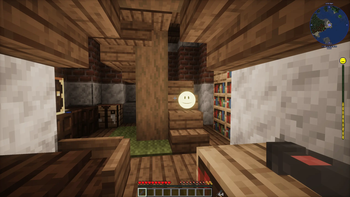
Best first inspection for a Verity-adjacent 1.20.1 Forge profile. The current checked file is large, so use a separate instance and expect a longer import or first launch than a small single-mod test.
Open official projectBest for players who want a broad creature-and-structure experience. Its 1.20.1 Forge profile is also large enough that you should check memory, dependencies, and server expectations before inviting friends.
Inspect project filesBest for a focused Fabric 1.20.1 exploration mood. The small primary file does not prove that every device will perform equally, but the lighter profile is easier to isolate during a first test.
View source pageBest for a minimal Fabric experiment. Use it when you want a small starting variable, then add one change at a time instead of stacking several horror systems on the first launch.
Check current releaseFreshness and source discipline
For this snapshot, I checked each linked source's release record and, where available, its primary file name and size, Minecraft version, loader, and publication date. This verifies listing metadata only; it does not establish that an archive is safe, virus-free, or compatible with every system. Recheck the official source page before installing.
A project page is a better download target than a random repost because it exposes the creator context, version history, dependencies, loader, changelog, and current file list. This site does not mirror the files. It links to the official project page so a reader can re-check the live record at the moment of installation. Never use a CDN path guessed from another pack's filename.
If the source page lists several files, compare the Minecraft release and loader first, then read the version notes. Do not choose a file only because its number is largest. A beta or preview can be newer than a stable file while being a worse fit for a main world. Record the project URL, version, loader, file name, and test result in one note so a later update can be reversed.
Five-step setup
A clean test is faster than repairing an old profile with several unknown changes. The following workflow is intentionally conservative: it separates source verification, loader setup, world safety, and multiplayer synchronization. If you are installing a single Verity file instead of a pack, use the site's Verity installation guide and keep the same copied-world rule.
Importing a modpack can also change configuration, resource packs, shaders, keybinds, and performance defaults. Read the launcher preview before accepting those changes. If the launcher reports a missing dependency or incompatible loader, stop at that error and check the project page; do not download a similarly named library from an unrelated mirror.
Make a new launcher profile with the exact Minecraft release and loader named by the project. Do not start by editing a profile that already contains Verity, Cave Dweller, performance mods, or another horror pack.
Read the current version list, loader, dependencies, changelog, and file names. Use the project page as the download location and do not rely on a guessed direct file URL.
Test in a new world or a copied save. Keep the original outside the active instance so a crash, world-generation change, or broken configuration can be rolled back without guesswork.
Let the profile finish its first launch before adding shaders or extra mods. If it fails, record the first relevant error, loader version, Java runtime, and dependency named in the log.
For multiplayer, export the tested profile or manifest and make sure the server and every client use the intended files. Read the site's multiplayer setup guide before a shared session.
Limits and edge cases
File size is only an early warning. A large pack may include world-generation assets, structures, sounds, models, libraries, and configuration that affect first launch, memory use, chunk generation, or server tick time. A small pack can still create expensive entities or scripts. Start with a controlled area, watch the log, and change one variable at a time.
The four checked examples are Java 1.20.1 projects, but that does not make them Bedrock-compatible. A `.mrpack` or `.jar` is not a `.mcaddon`, and a Forge profile is not a Fabric profile. If you play Bedrock, follow the Bedrock guide instead of trying to rename or import a Java file.
For multiplayer, a pack is often easier to distribute consistently than seven individually selected mods, but the tradeoff is a larger shared state. Every player should know the pack name, version, loader, server address, and rollback plan. If a friend can join but the horror behavior is missing, compare the server manifest, client files, and world configuration before reinstalling everything.
Bottom line
The strongest starting point depends on your constraint: Horrorland for a Verity-themed Forge profile, Cave Horror Project 1 for a larger creature-and-structure bundle, Into the Backrooms for a focused Fabric exploration mood, or Horror + for a smaller Fabric experiment. Those labels describe fit, not a universal ranking.
Save the official project URL and the checked version beside your launcher profile. Then use a copied world, a clean loader instance, and one controlled launch before you invite friends or touch a long-running save. That workflow answers the real Minecraft horror modpack question: not only which pack looks frightening, but which one you can identify, reproduce, update, and remove when the source changes.
Next pages
Compare standalone Backrooms Java mods by checked game version, loader, dependencies, release size and first-party source pages.
Compare standalone modsCompare single mods, Bedrock addons, maps, and broader horror paths before committing to a full pack.
Compare horror pathsCheck server requirements, client sync, voice features, and shared-world failure modes.
Plan multiplayerMatch the Java loader and source checks when a pack includes or sits beside a Verity profile.
Check Java setupRecord version, file, loader, and update context before you replace a working profile.
Review versionsUse a structured checklist for dependencies, crashes, missing assets, and behavior changes.
Troubleshoot a profileFAQ
There is no universal best pack. Start with Horrorland - With Verity! for a Verity-adjacent Forge 1.20.1 profile, Cave Horror Project 1 for a larger creature-and-structure bundle, Into the Backrooms for a focused Fabric 1.20.1 atmosphere, or Horror + for a lightweight Fabric experiment. Re-check the official project page because versions and files change.
They can be easier to reproduce because one profile carries a known set of files, but they can be heavier and introduce more dependencies. A pack is a good choice for a fresh instance or group session; a single mod is easier to isolate when troubleshooting an existing world.
The four checked examples are Java 1.20.1 projects using Forge or Fabric. Their .mrpack or .jar files are not Bedrock .mcaddon files. Use the Bedrock guide and a Bedrock-specific source page rather than renaming or importing a Java file.
Use the official project page linked in the comparison table, verify the current file, Minecraft release, loader, dependencies, and changelog, and test it in a separate instance or copied world. This guide does not claim that any file is virus-free.
Often, but the project must support the server and every player must use the matching profile. Compare the server manifest, client files, loader, and version before the session. A pack that works in singleplayer can still fail when entities, voice features, or configuration are evaluated on a dedicated server.
Start with one loader and one Minecraft release, choose a small set of compatible projects, launch in a clean instance, test a copied world, and add one change at a time. Record the project URLs, versions, dependencies, and rollback point so a later update can be isolated instead of forcing a full reinstall.